Quiz
Turn a lecture into a quiz
Record your lecture in the browser and Record Lecture writes a multiple-choice quiz from it: 18 to 28 questions, each with four options and one right answer. Every question comes from what your lecturer actually covered, so the quiz tests the class you sat in, not a textbook chapter.
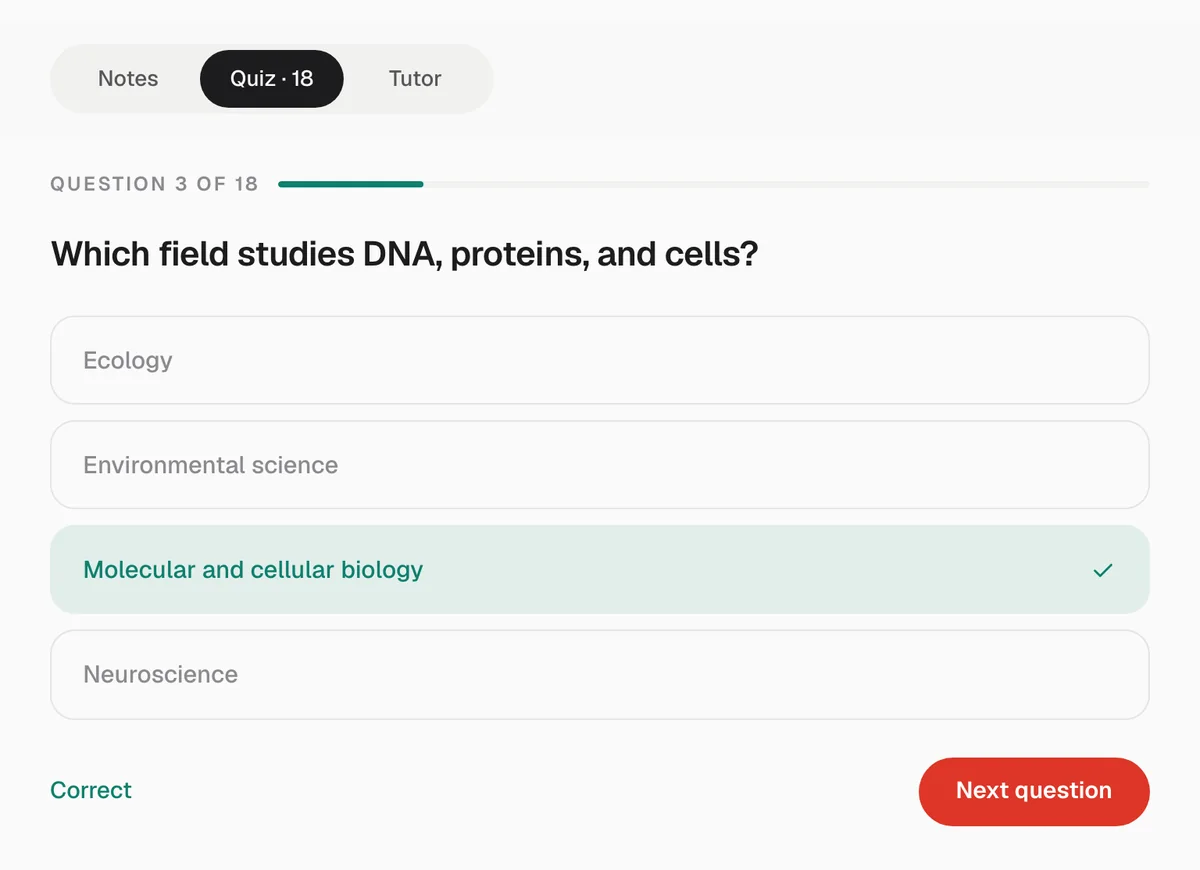
How many questions you get
The number depends on how much was said, measured in the transcript rather than in minutes, because a rambling hour can hold less than a dense half hour.
| How much was said | Questions |
|---|---|
| A short recording (under about 8 minutes of speech) | 18 to 28 |
| About 8 to 28 minutes of speech | 22 to 28 |
| A full lecture (longer than that) | 24 to 28 |
Most lectures land in the last row. Of 386 recordings students transcribed in Laxu AI, our study app, the median ran 39.5 minutes and 41% ran 45 minutes or more (the full breakdown is in our laptop recording guide).
What makes the questions fair
- The wrong answers come from the lecture too. Each wrong option is a real term, value or claim from elsewhere in the same lecture, often the thing students mix this one up with. You cannot rule options out just because they sound unrelated.
- All four options look alike. They are the same kind of answer and about the same length, so the longest option is not a giveaway, and the right answer moves around.
- Questions stand on their own. No “according to the speaker” or “what phrase was repeated”. Each question tests the subject, the way an exam would.
- Same language as the lecture. A lecture given in Spanish gets a quiz in Spanish.
Why a quiz works better than rereading
Pulling an answer out of memory strengthens it more than reading it again. In a well-known experiment, students who tested themselves on a passage remembered 61% of it a week later, against 40% for students who spent the same time rereading it (Roediger and Karpicke, 2006). The quiz gives you that practice for every lecture without writing a single question yourself.
How to use it
- Take it the same day. Answer each question before you look at the notes.
- Read the misses. When you pick a wrong option, the right one is shown straight away. Find that part in the notes.
- Ask the tutor about what you missed. It answers from that lecture only.
- Retake it before the exam. Your score at the end tells you whether the lecture has stuck.
Get a quiz from your next lecture. The first one is free.
Start recordingA study week with the quiz
One way to use it across a week, for a lecture on Monday:
| When | What to do | Time |
|---|---|---|
| Monday evening | Read the overview and the flagged moments, then take the quiz once. | About 15 minutes |
| Wednesday | Ask the tutor about each question you missed, then reread those sections. | About 10 minutes |
| Weekend | Retake the quiz without looking at the notes first. | About 10 minutes |
| Week before the exam | Retake the quiz for every lecture in the course and spend your time on the lowest scores. | Depends on the course |
The times are rough planning figures for a quiz of about 25 questions, not measurements. The point is the spacing: coming back to a lecture a few days later, and answering before you reread.
Limits
- The quiz is multiple choice only, four options per question. There are no written-answer questions.
- You cannot edit the questions on the website yet.
- A question is only as good as the transcript. If a term was misheard, the question can carry the mistake, so check against your slides when an answer surprises you.
- It is a quiz, not a flashcard deck: there is no spaced review schedule.
Questions
- Can I make a quiz from a lecture recording?
- Yes. Record the lecture in your browser with Record Lecture, and a multiple-choice quiz is written from it together with the notes, usually within a few minutes of pressing Stop.
- How many questions does the quiz have?
- Between 18 and 28, depending on how much was said. A full lecture usually gets 24 to 28. The quiz never pads itself with questions the lecture cannot support.
- Can I retake the quiz?
- Yes. At the end you see your score and can start again from the first question.
- Is the lecture quiz generator free?
- Your first lecture is free, with its notes, quiz and tutor. More lectures need a subscription.
Notes, a quiz and a tutor when class ends. Your first lecture is free.